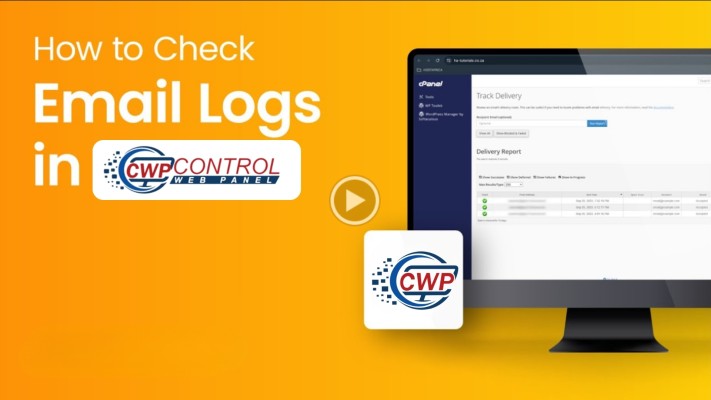
CWP panel how to check how many mails sent by user

CWP panel how to check how many mails sent by user

In CentOS Web Panel (CWP), you can check how many emails a user has sent using either the Admin GUI or the command line. The best methods involve checking mail server statistics or reviewing logs.

Method 1: Using CWP Admin Panel (Recommended)
  1. Log in to your CWP Admin panel (http://SERVER_IP:2030 or https://SERVER_IP:2031).
  2. Navigate to Email on the left-hand menu.
  3. Select Mail Server Stats.
  4. This module allows you to see:
    • Sender Details: Quick view of message count and size per email account.
    • Charts/Graphs: Visualize emails sent/delivered/bounced over time.
    • Log Selection: Analyze currently active or past logs to monitor usage.
Method 2: Using CWP Log Viewer
  1. Navigate to File Management -> CWP Log Viewer.
  2. Select maillog from the dropdown menu to view live postfix email activity.
  3. Search for the specific user’s email address or the domain to see recent sending activity.
Method 3: Command Line (SSH)
To get precise, real-time data, you can use SSH to check the mail log (/var/log/maillog).
 
1. Count Total Emails Sent by a Specific Email Address
Run this command to count successful sent mails for a specific user
HostingInIndia – Trusted Hosting Partner
Privacy Overview

This website uses cookies so that we can provide you with the best user experience possible. Cookie information is stored in your browser and performs functions such as recognising you when you return to our website and helping our team to understand which sections of the website you find most interesting and useful.